
Building a simple Prefilter
- Click Group to display a drop-down list of fields from which you choose the required field:
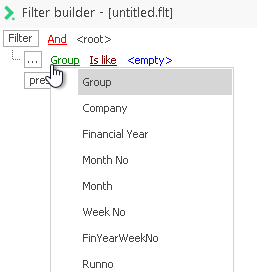
- Repeat this for Is like and for <empty>.
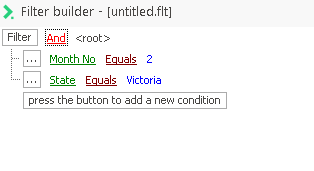
- Change the three items for the first condition, then add the second Condition to complete the filter.
- For Example:
Note: This search function is case sensitive, so specifying f would not find any search results as the database uses the capital 'F' to indicate female.